Featured
Earn $0.50 – Create Account Using My Referral Code
Download the MoneySMS app and create a new account using my referral code to earn a reward. It only takes a few minutes.
Easy
4 of 1000 completed
996 slots left
1 proof
Reward
+30 SAT
Bonus up to 50 SAT
30 SAT
50 SAT
Download the app
Copy Refferral Code:
8BNG2IUQ
Step-by-step instructions
Follow these steps carefully to complete the task:
1. Click the "Download the App" button.
2. Install the MoneySMS application on your phone.
3. Open the app and create a new account.
4. During registration, enter the referral code: 8BNG2IUQ
5. Verify your account if required.
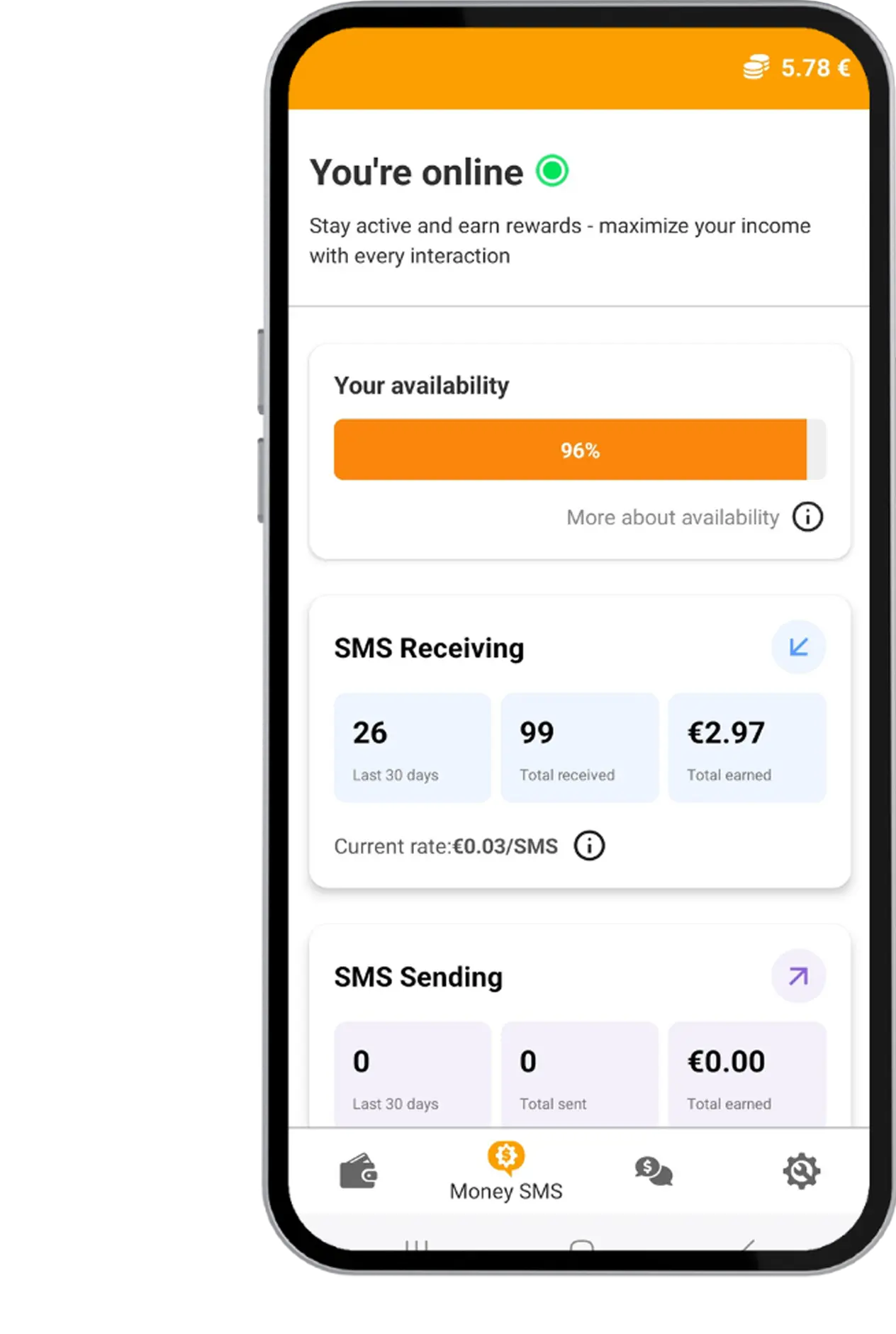
6. Take a screenshot showing that the account is successfully created.
Submit the screenshot as proof to receive your reward.
Submit your proof
Minimum: 1 · Uploaded: 0
Attempt:
#1
What to upload
- Screenshot showing the MoneySMS account dashboard after registration.
Submit your proof
Minimum: 1 · Uploaded: 0
Proof method
Image upload
Upload a clear image. Screenshots work best.
Login required to submit proof
You can view task details now, but submitting proof requires an account.
Login to submit